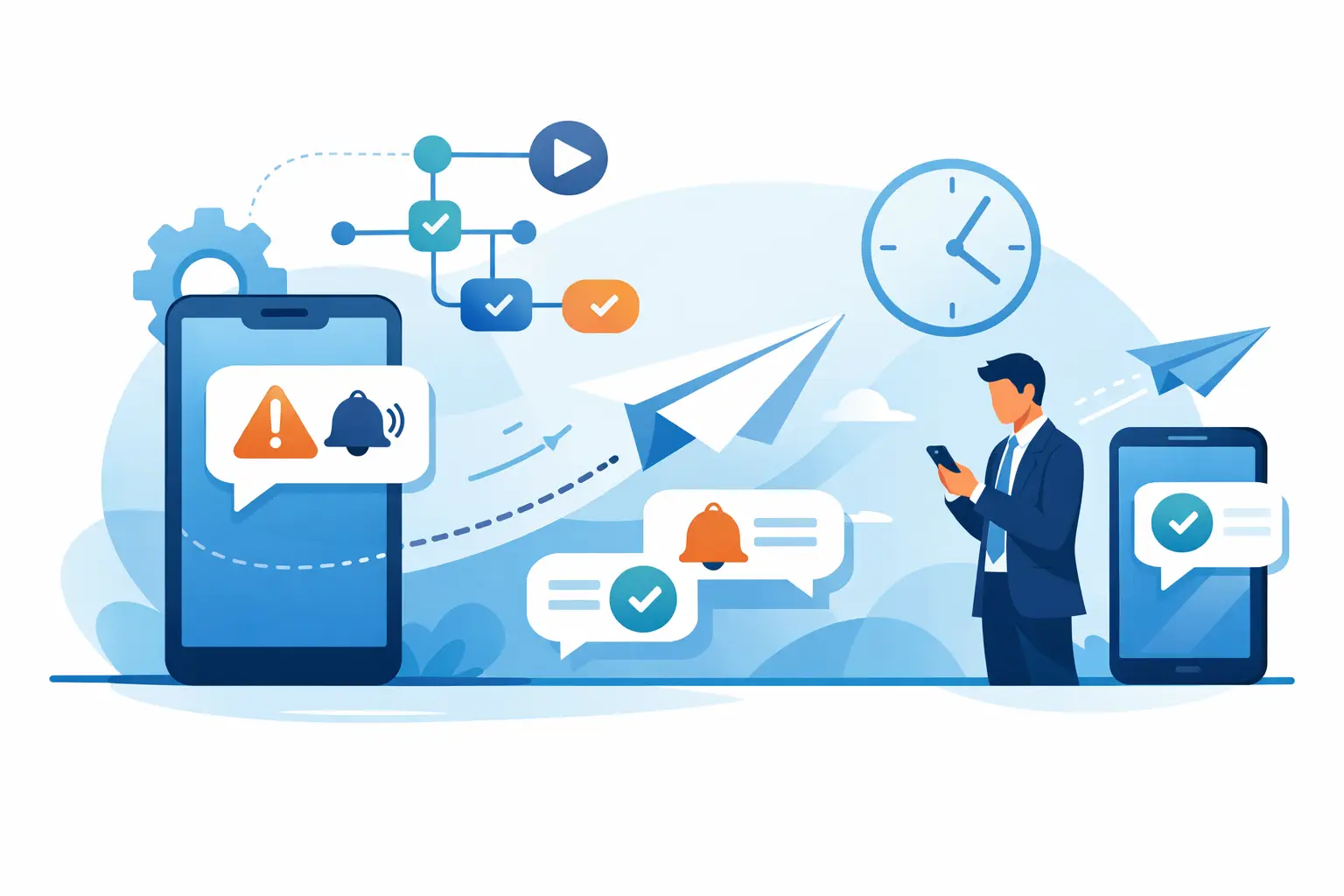
An order was shipped, a payment failed, or an account was accessed from a new device. In such moments, the customer doesn't always check their email and isn't constantly in the app. A well-timed SMS arrives directly on the phone and provides the necessary information immediately. Therefore, the question is not just how you automate SMS alerts, but how you create useful, quick messages that are well-controlled enough not to become noise.
Automating SMS alerts connects events from your systems with messages automatically sent to the customer, employee, or support team. It could be about an order confirmation, an OTP code, a delivery update, an appointment reminder, or an operational alert. The difference between effective automation and one that generates complaints lies in the triggering rules, data quality, and relevance of each message.
Start with events that require a quick reaction
Not all notifications deserve an SMS. The channel is personal, with a high visibility rate, and this advantage should be used for information that has an immediate impact. For marketing, email or in-app messages may suffice. For a status change that affects a customer's action, SMS is often the better choice.
In an online store, priority alerts may appear at order confirmation, delivery update, failed payment attempt, or password reset. In services, a confirmed, canceled, or rescheduled appointment must be communicated without delay. For a technical team, a threshold exceeded, an integration error, or a security incident may require escalation to the on-call person.
Before implementation, simply formulate each flow: what event triggers it, who receives the message, what information needs to be included, and what action the recipient should be able to take. If you can't clearly answer these four questions, the flow is not yet ready for automation.
How to automate SMS alerts in 6 practical steps
1. Define the trigger and sending rule
The trigger is the concrete event from the app, CRM, e-commerce platform, or internal system: the order changed status, the invoice became overdue, the user requested number verification, or monitoring detected an error.
The sending rule prevents unnecessary messages. For example, you can send a reminder only if the appointment is within the next 24 hours and the client hasn't already confirmed. For a failed payment, you can wait a few minutes before alerting to avoid notifying a temporary error resolved by an automatic retry.
2. Use clean data and valid consent
Automation is only as good as the data that powers it. Incomplete numbers, duplicates, old contacts, or incorrect custom fields increase costs and reduce trust. Check the international format of numbers and maintain a single source of truth for each contact's status.
For commercial messages, manage consent and communication preferences. Transactional alerts, such as confirmations, authentication codes, or delivery updates, have a different context than promotional campaigns. Separating them helps the team comply with internal rules, measure performance accurately, and avoid sending an offer when the customer is expecting support.
3. Write short templates with essential information
An alert message doesn't need to explain the entire process. It should state what happened, what's next, and, when applicable, what the recipient can do. Personalization with the first name, order number, appointment time, or the last digit of a transaction makes the message clearer, but don't overload the SMS with unnecessary details.
For example: "Your order #4821 has been handed over to the courier. Estimated delivery: tomorrow." For security: "Your verification code is 482913. Do not share it with anyone." For an internal alert: "Payment error above the set threshold. Check the dashboard and processing flow."
Avoid alarming phrases when there is no real risk. A vague message like "Urgent action required" can increase calls to support and erode credibility. State exactly what needs to be checked and, if intervention is needed, indicate the next step.
4. Choose the right integration for your team
For simple flows, an SMS platform with a web interface can allow contact uploads, template definitions, and quick message launches. It's useful when the marketing or operations team needs speed without waiting for software development.
For alerts triggered in real-time by your app, API integration is the right choice. The system automatically transmits the number, content, and relevant identifiers as soon as the event occurs. Developers can control business logic, manage API responses, and maintain traceability in their own systems.
The choice depends on volume and complexity. An appointment confirmation flow can start simply. A platform with thousands of transactions per hour needs integration, retry mechanisms, monitoring, and clear rules for cases where data is missing. SMSense can support both platform-managed campaigns and transactional messaging integrated via API, so commercial and technical teams aren't forced to work in separate systems.
5. Build protections for exceptions
Automation without limits can send the same message multiple times or alert the wrong person. Introduce a unique key for each event, so an order doesn't generate three confirmations if the system resends a request. Set a minimum interval between alerts of the same type and stop the flow when an event is already resolved.
For critical messages, also define a backup route. If an OTP code cannot be delivered within a certain timeframe, the user can request a new code. If an internal alert doesn't receive confirmation, it can be escalated to a second contact. Not all flows need this complexity, but for security, payments, and operational incidents, it is justified.
6. Test before increasing volume
Test with internal numbers and real scenarios: a valid number, an invalid one, a canceled order after confirmation, two simultaneous events, or a contact who opted out of promotional messages. Check personalization, language, sending times, and behavior in case of an API error.
Then monitor the indicators that show if automation is adding value. The time between the event and sending is essential for urgent alerts. Delivery rates, responses to bidirectional messages, support requests, and the number of completed actions show if the text and timing are appropriate. For security flows, also track the verification completion time, not just message delivery.
The correct frequency protects the customer relationship
SMS is effective precisely because it is not easily ignored. This also makes it easy to overuse. If you send alerts for every minor status change, the customer will start ignoring them or request to stop communications.
Group updates when an immediate reaction is not necessary. For example, it's not mandatory for every internal order processing stage to reach the customer. Confirmation, shipping, and real exceptions are usually sufficient. For internal alerts, set severity levels: a warning can go to a dashboard, while a critical error can trigger an SMS to the responsible team.
Turn alerts into predictable processes
Automated SMS alerts are not just messages sent faster. They reduce uncertainty for customers, relieve pressure on support, and give operational teams reaction time when a problem arises. But the outcome depends on discipline: clear events, verified data, concise messages, and rules that stop unnecessary notifications.
Start with a single high-impact flow, such as delivery confirmation or OTP verification. Measure the result, correct exceptions, and extend automation only after each message proves it helps the recipient act faster.