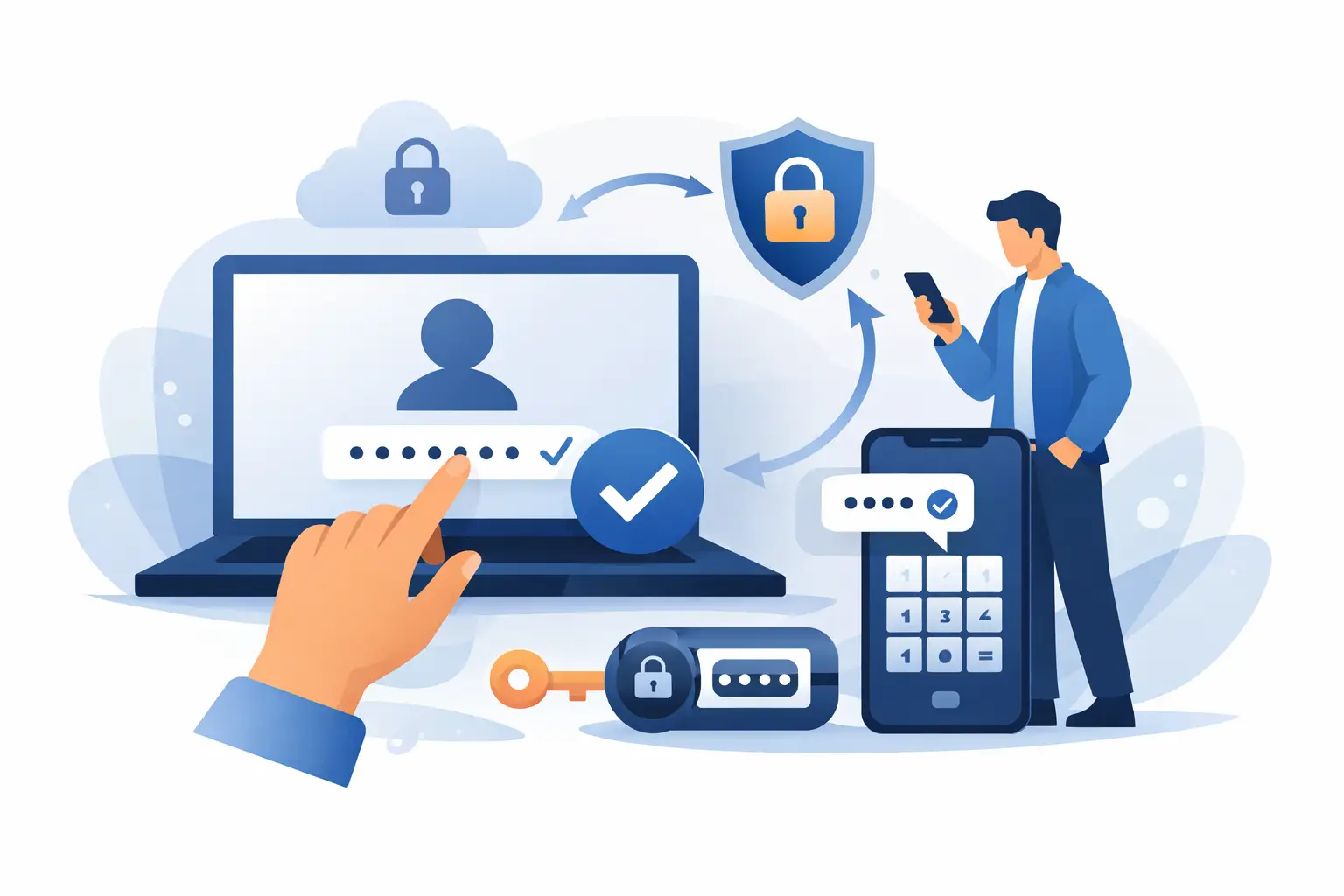
A compromised account doesn't just come from weak passwords. Often, the real problem is that the password remains the only barrier between an attacker and your company's data. If you're wondering how to implement two-step authentication without unnecessarily complicating the user experience, the correct answer starts with architecture, not code.
For companies, two-step authentication is not just a security checkbox. It is an operational control that reduces fraud, limits unauthorized access, and protects sensitive flows such as account login, password reset, transaction confirmation, or profile data changes. But good implementation doesn't just mean sending a code. It means choosing the timing, channel, fallback rules, and level of friction you can sustain without losing conversions.
Why it matters how you implement two-step authentication
Two companies can use the same verification method and still achieve completely different results. One reduces account takeovers and keeps the login rate at a healthy level. The other introduces delays, missed codes, and blocked users. The difference lies in execution.
Two-step authentication works when you add a second factor independent of the password. In practice, this usually means something the user has, such as a mobile phone, or something generated locally, such as an authentication app. For most companies operating online, SMS remains one of the fastest launch options, especially when you want broad coverage, simple onboarding, and quick integration.
However, not every use case requires the same approach. A marketplace, a financial app, and an online store have different risk profiles. If you force two-step authentication at every login, you can reduce fraud, but you can also increase abandonment. If you activate it only for sensitive actions, you maintain a smoother experience but accept a different level of risk. This is where the product decision comes in.
How to implement two-step authentication without affecting conversion
The first step is to determine where you need additional protection. Not all actions on the platform have the same value. Logging in from a new device, resetting the password, changing the phone number, adding a card, or confirming a payment are clear points where the second factor makes immediate sense.
Then you need to choose the verification method. SMS OTP is popular because users understand it instantly. They don't have to install anything, and adoption is natural. For product and development teams, implementation is usually straightforward via API, and the time to launch can be short. The downside is that you depend on message delivery, number quality, and telecom coverage in the target market.
Authentication apps offer better control and reduce network dependency, but require more effort from the user. Email is simple but weaker as a secondary factor in high-risk scenarios. Biometrics can be excellent for mobile apps, but generally work best as a local layer, not as a unique verification mechanism at the platform level.
For many companies, the effective approach is a mixed one. SMS for quick onboarding and controlled recovery, authentication app for advanced users or accounts with elevated privileges. It's not about choosing the perfect method in the abstract, but about what works at scale for your audience.
Designing the right flow
Technical implementation starts with a simple principle: the second factor should only be requested after the first factor has been validated. The user enters the password, the system checks the access data, then generates a temporary challenge. The code sent must have a short validity, be unique, and be invalidated immediately after use.
Here are some decisions that greatly change the outcome. The lifespan of the code should be neither too long nor too short. If it expires in 20 seconds, you'll create unnecessary support. If it remains valid for too long, you increase the risk surface. In many implementations, an interval of 3 to 5 minutes is sufficient, with a clear retry limit.
Resend logic also matters. Users often request a new code too quickly, even though the first one is still in delivery. If you allow instant and unlimited resend, you'll generate unnecessary traffic, higher costs, and confusion. If you block too aggressively, you'll frustrate legitimate users. The good solution is a waiting timer, clear messages in the interface, and rate limiting on the user, IP, and phone number.
At the backend level, maintain complete traceability. You need to know when the code was generated, on what channel it was sent, if it was validated, and how many times it was entered incorrectly. This data helps you both in security and in optimizing the experience.
When SMS OTP is worth it
SMS OTP is suitable when you want quick implementation, wide coverage, and a familiar experience for users. It is useful for login, number verification, password reset, and approval of sensitive actions. For companies with diverse customer bases, including less tech-savvy users, SMS reduces adoption friction.
But it must be managed correctly. Delivery quality matters enormously. If messages are delayed, the user perceives the problem as being with your platform, not the operator. Therefore, the messaging partner and delivery infrastructure are not a technical detail, but part of the security experience. A service that combines OTP, number verification, and API integration options can simplify the launch and reduce time to production.
When you need additional protections
Two-step authentication doesn't stop all types of abuse. If you have high-risk accounts, it is worth adding context checks: new device, unusual location, risk score, frequent SIM changes, or abnormal session behavior. In such cases, authentication can become adaptive. You don't request a code at every step, only when risk signals justify it.
This approach maintains the balance between security and conversion. Legitimate users pass quickly, and suspicious sessions receive additional checks. For teams that pursue both retention and fraud reduction, this is often the healthiest model.
Common mistakes in implementation
The most common mistake is to treat two-step authentication as an exclusively security project. In reality, it is also a product, support, and operations project. If the page doesn't clearly explain what's happening, users abandon. If the support team can't quickly unlock a legitimate case, friction increases. If development doesn't monitor delivery and validation rates, problems appear too late.
Another mistake is the lack of a recovery strategy. What do you do when the user changes their phone number? What happens if they have no signal or have lost access to the device? You need a backup path that is secure but realistic. Otherwise, you'll move the problem from the fraud area to the blocked accounts area.
There's also the temptation to apply the same rule to everyone. For end customers, a simple and quick flow is essential. For administrators, resellers, or users with access to sensitive data, the standard must be stricter. Different segments, different policies.
How to measure if the implementation works
Success is not just seen in the fact that you've activated the option on the platform. Look at the login completion rate after triggering the second step, the average validation time, the percentage of resent codes, and the number of support tickets related to OTP. If you see many resends and many abandonments, the problem is usually in delivery, UX, or message timing.
On the business side, track the decrease in takeover attempts, the reduction of fraudulent resets, and the impact on conversion at sensitive points. Sometimes you'll accept a little more friction for less fraud. Other times, especially in e-commerce, you'll prefer progressive authentication and additional checks only when the risk increases. There is no single good formula for all industries.
A good implementation starts simple
If you want to launch quickly, start with a clear scenario: login from a new device or password reset via SMS OTP. Test delivery, code expiration, interface messages, and fallback. Only after you see the real behavior of users does it make sense to extend coverage to other flows.
For many teams, execution speed matters almost as much as security. Therefore, a messaging platform that offers OTP delivery, number verification, and simple API integration can significantly reduce implementation time. SMSense is relevant exactly in this type of scenario, especially for companies that want to combine technical reliability with a quick launch.
Two-step authentication doesn't have to be complicated to be effective. It needs to be well thought out, well measured, and suitable for the real risk of your business. When you treat it as part of the product experience, not just a defensive measure, you gain more than security - you gain trust.